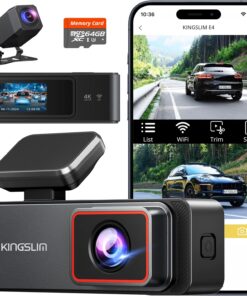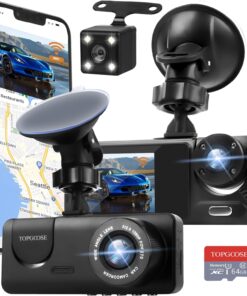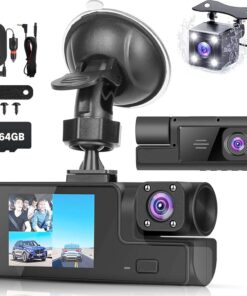

Product description
-
What should I do when using the J08 dash cam for the first time?
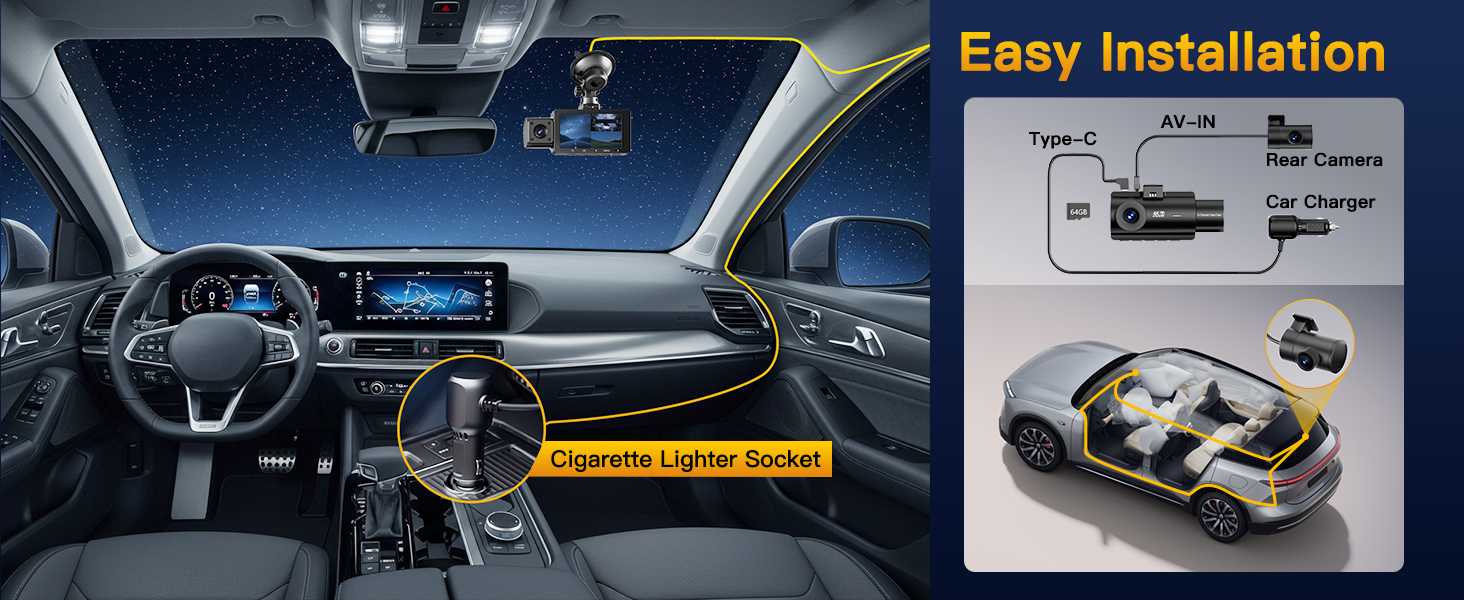
Before first use, just format the SD card in the menu. Keep the car running and plug the charger into the lighter port. No lighter port? No worries—reach out to us for a USB to Type-C cable.
-
Does the dash cam have a battery? How long can the built-in battery power the dash cam?
Yes, it has a small 300mAh backup battery. It only runs 5-10 minutes to save parking monitor events, not for full recording. For nonstop use, just keep the dash cam plugged into your car charger or a hardwire kit.
-
How to enable the parking monitor function?
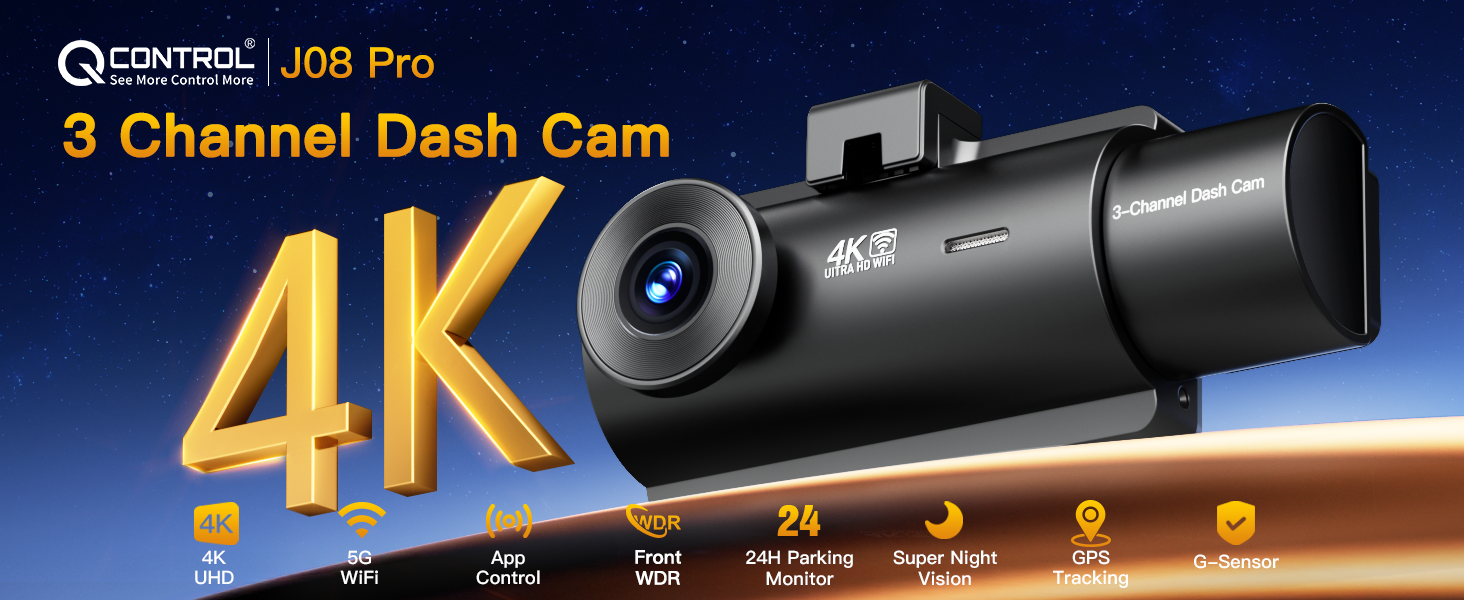
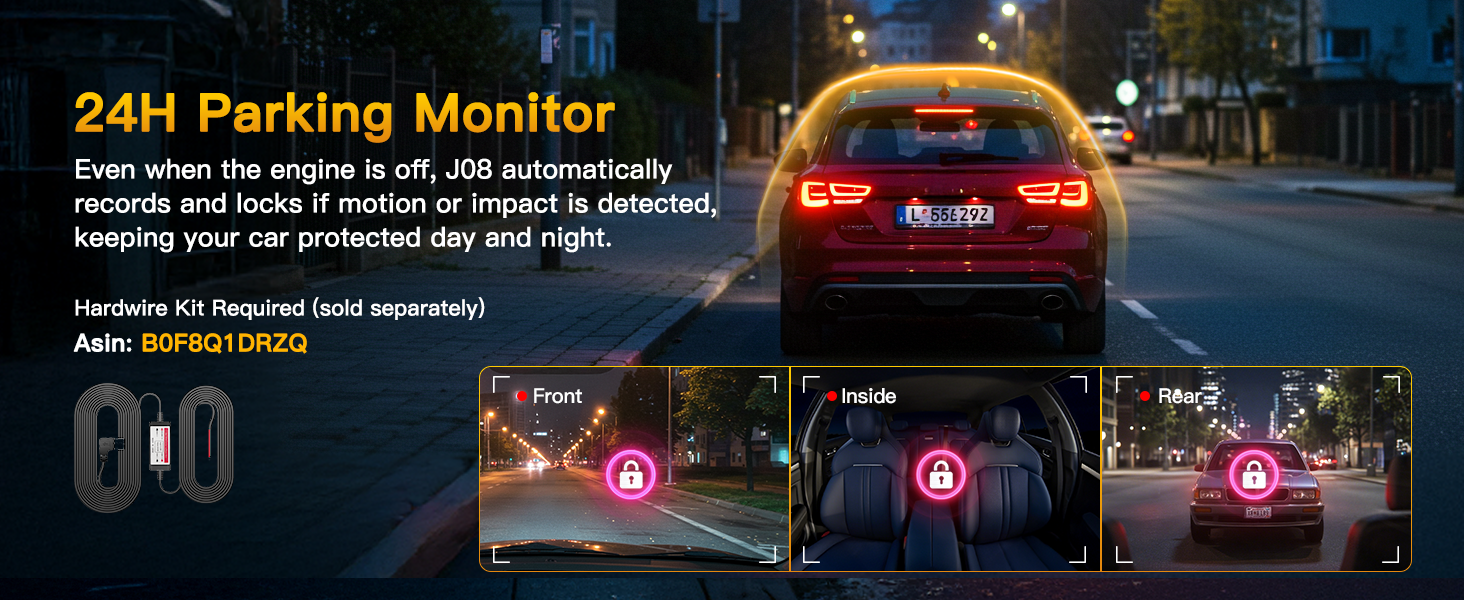
The J08 Pro supports 24/7 Parking Monitor. Just use a hardwire kit (reach out to us if you need one) to keep power when the car is off. Then go to Menu > Parking Guard, turn it ON, and the cam will auto-record if it detects motion or impact.
-
Will the dash cam record if not connected to phone WiFi?
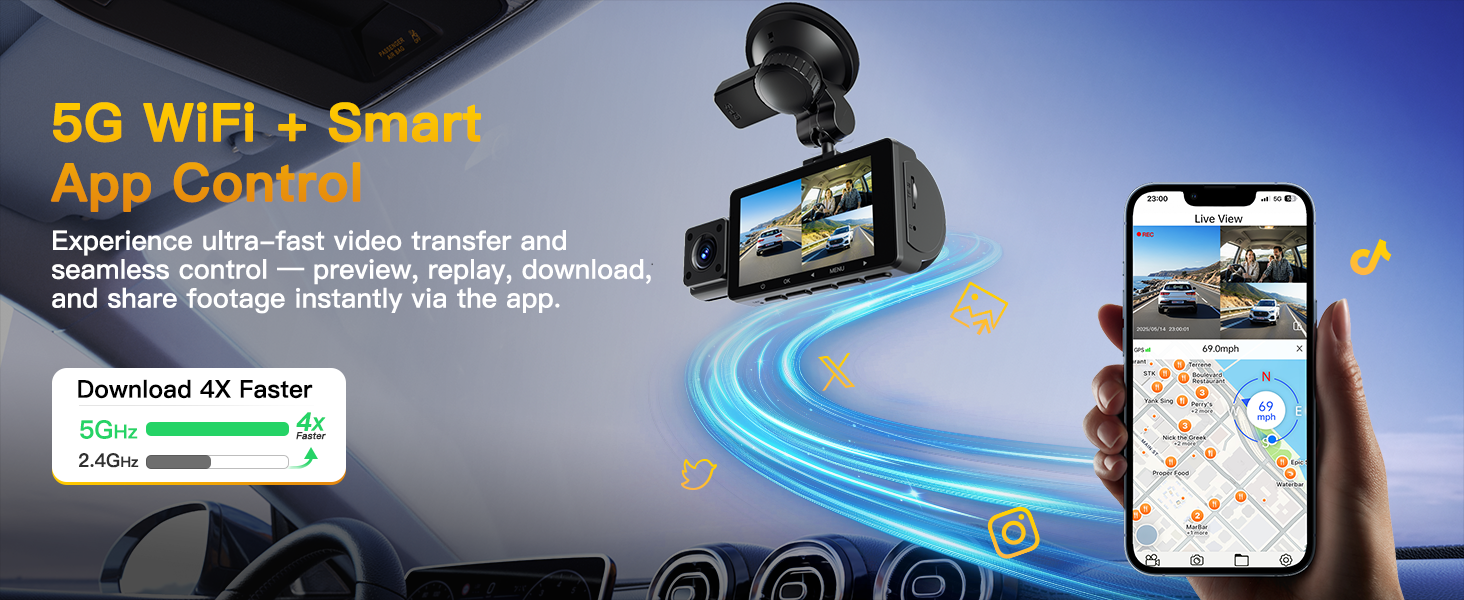
Yes! The dash cam records to the SD card even without WiFi. WiFi is only for viewing, downloading, or sharing on the app. So even if WiFi is off, your dash camera for cars will still keep recording as long as it’s powered on.
-
Does the dash camera for cars record audio?
Yes, the dash cam records both video and audio by default. If you prefer not to capture sound, you can easily turn off the audio recording option in the settings menu.


Reviews
There are no reviews yet.