

From the brand
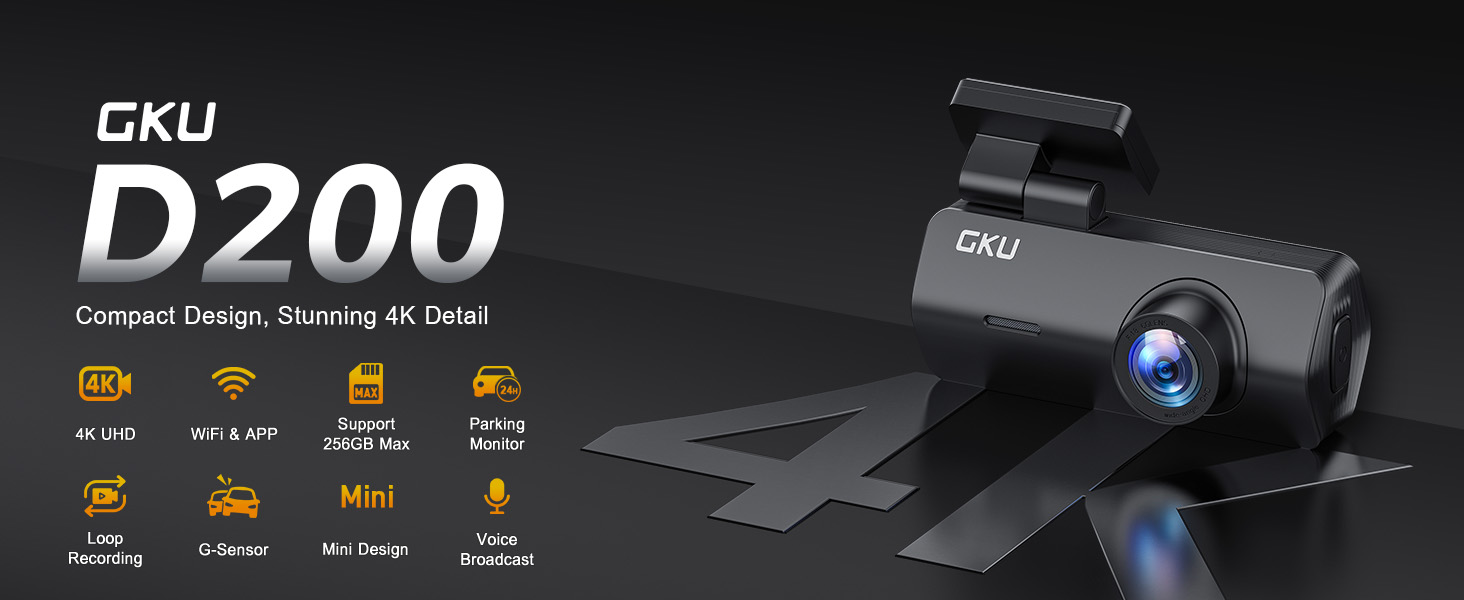
GKU D200 Dash Cam
-
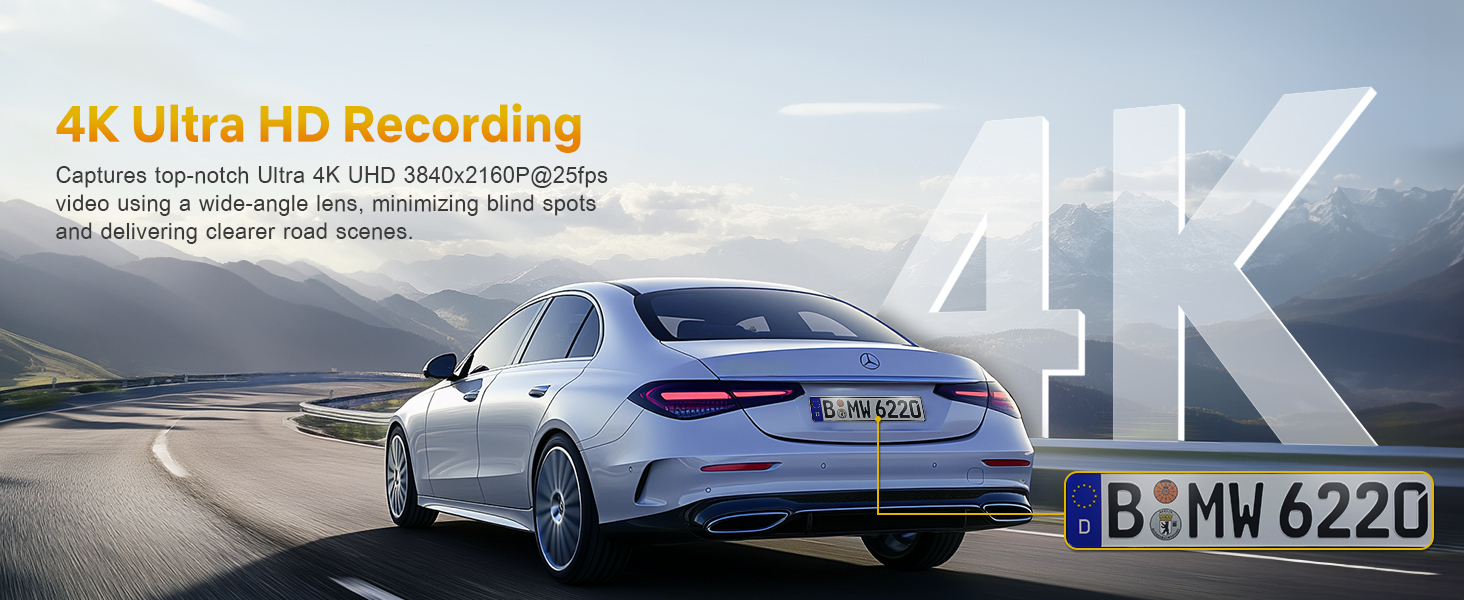
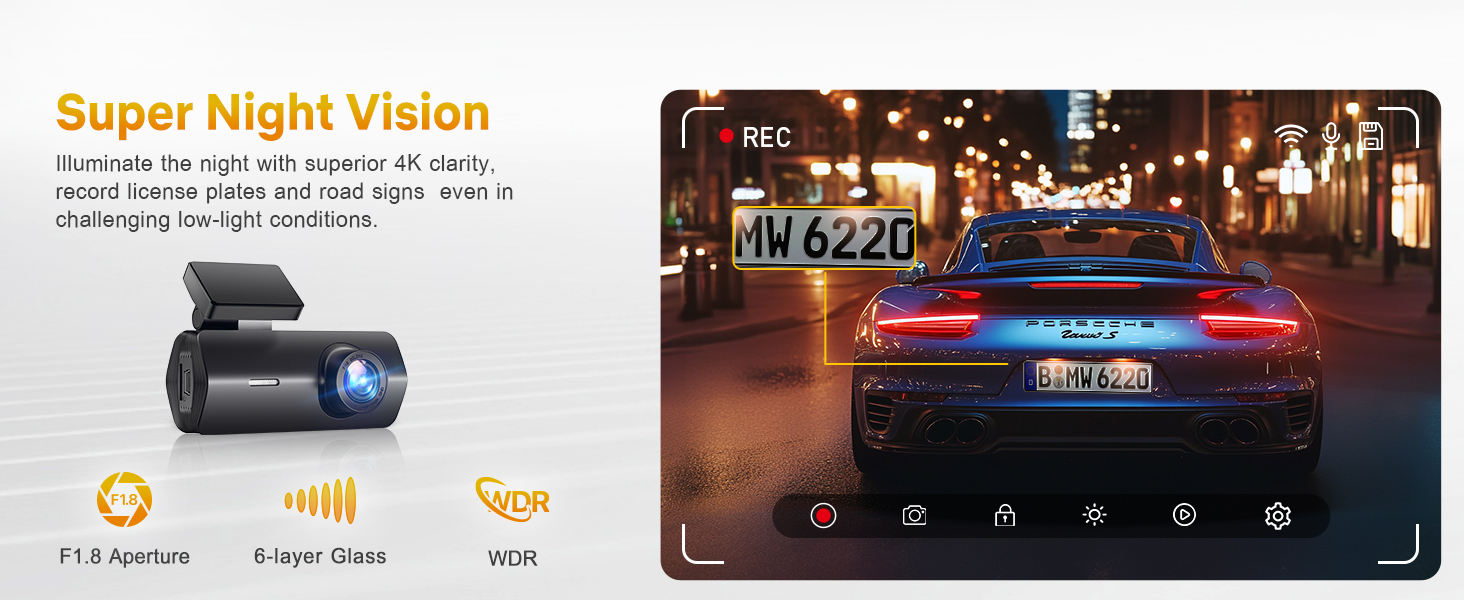
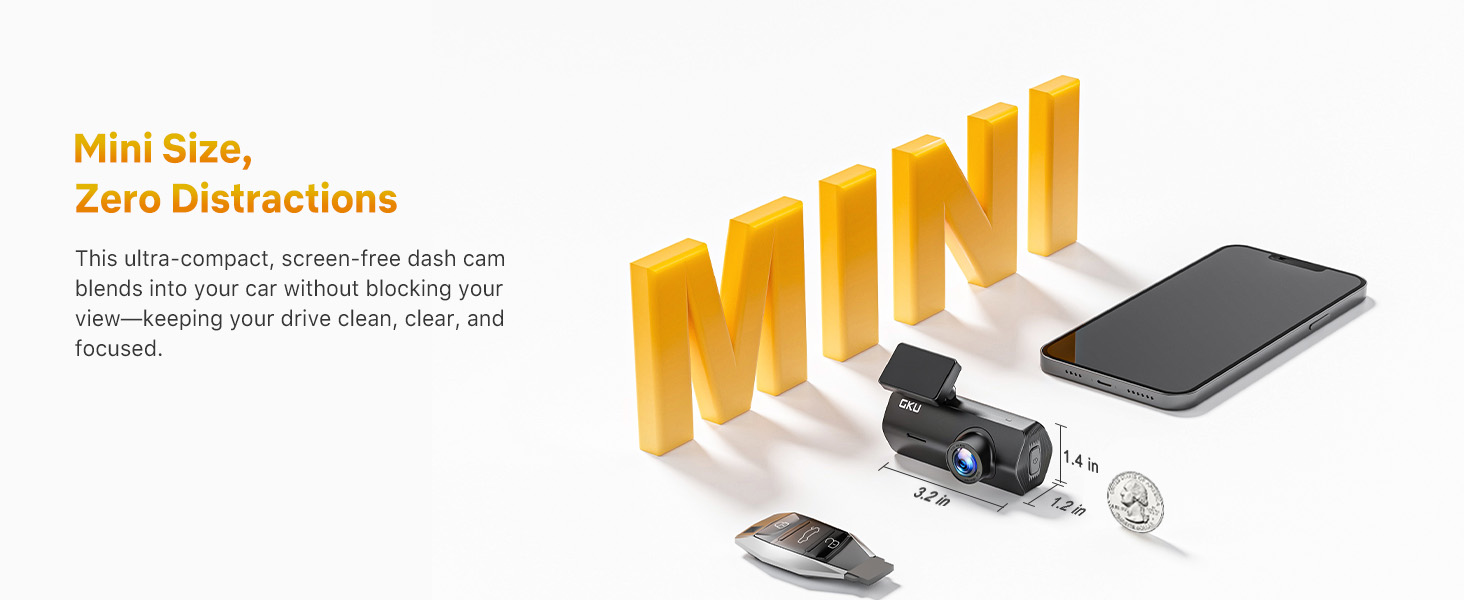
Ultra HD 4K Dash Cam Front
-
APP Control
-
GKU D200 dash cam
-
-
-
Product description
Two Parking Modes, Enhanced Safety.
-
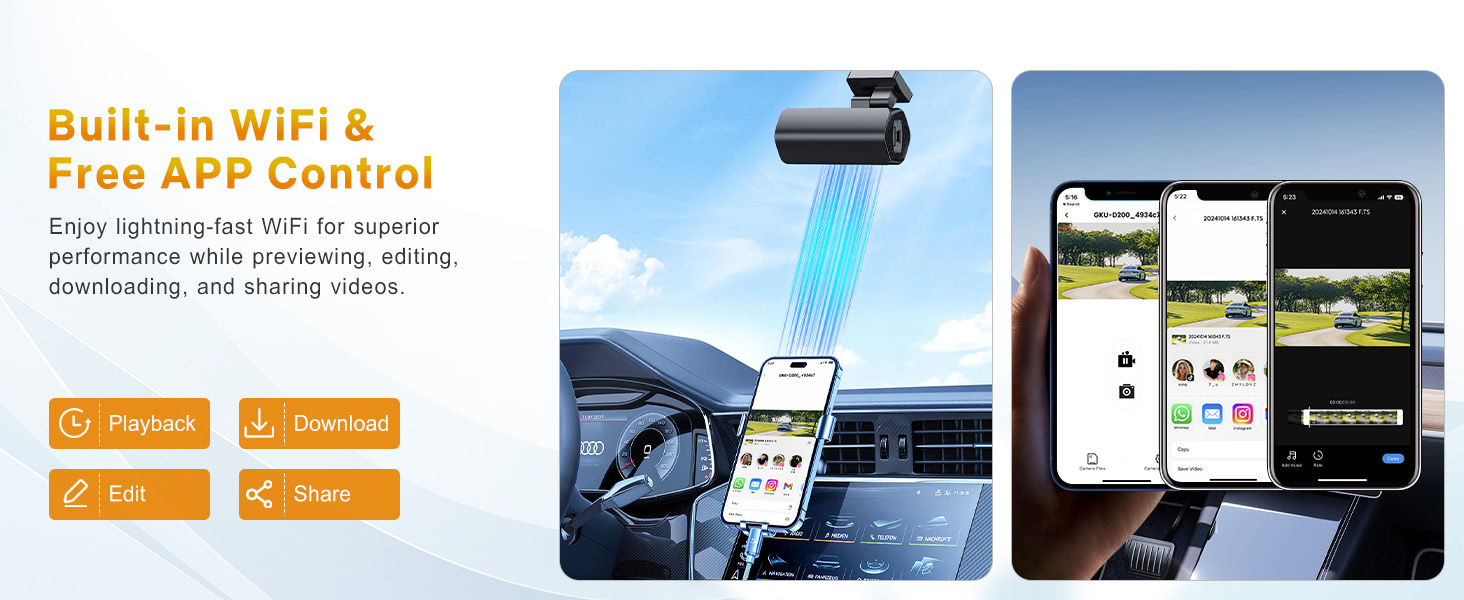
How does the built-in WiFi work? How can I view videos on my phone?
Download the “GKU GO” app and power on the dash cam. Connect to the device WiFi in your phone’s settings, then go to the app to view the videos.
-
Can the dash cam record while I’m using CarPlay?
Yes. The D200 dash cam keeps recording videos while you use CarPlay. The blue indicator light shows it is recording.
If you run into any CarPlay issues, just disconnect the dash cam WiFi on your phone—this will not affect recording.
-
How do I enable parking mode? Do I need a hardwire kit? Which one works with this dash cam?
To use parking mode, you’ll need the hardwire kit (ASIN: B0CL756HDL, not included in the package). It powers the dash cam and provides battery protection, so it won’t drain your car battery.
-
My car doesn’t have a cigarette lighter—can I power the dash cam with a USB cable?
Yep, you can use a USB cable to power it. If your car doesn’t have a cigarette lighter, I or the support team can help you get one set up.
-
Does the dash cam come with an SD card? Can I use my own SD card?
The dash cam comes with a 64GB SD card pre-installed. If you’d like to use your own, we recommend a 64GB or 128GB microSD card that’s Class 10 U3 or higher speed grade. Faster cards help the dash cam record more smoothly.


Reviews
There are no reviews yet.