

From the brand
-
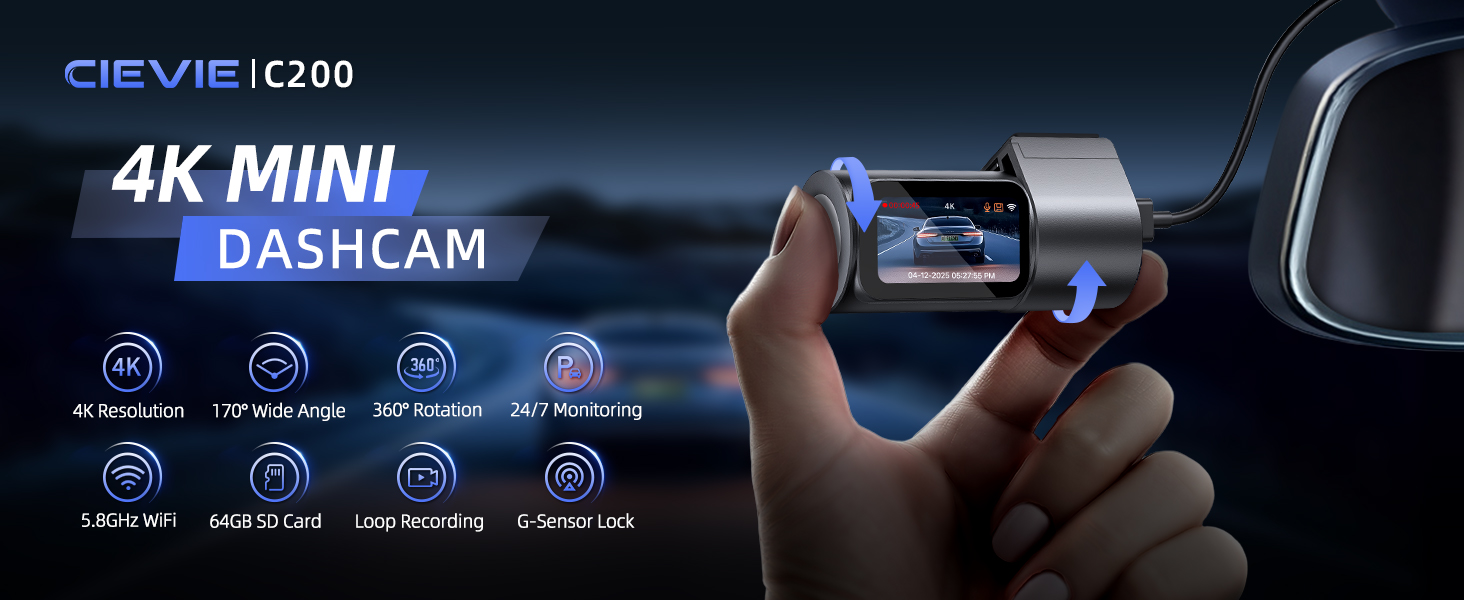
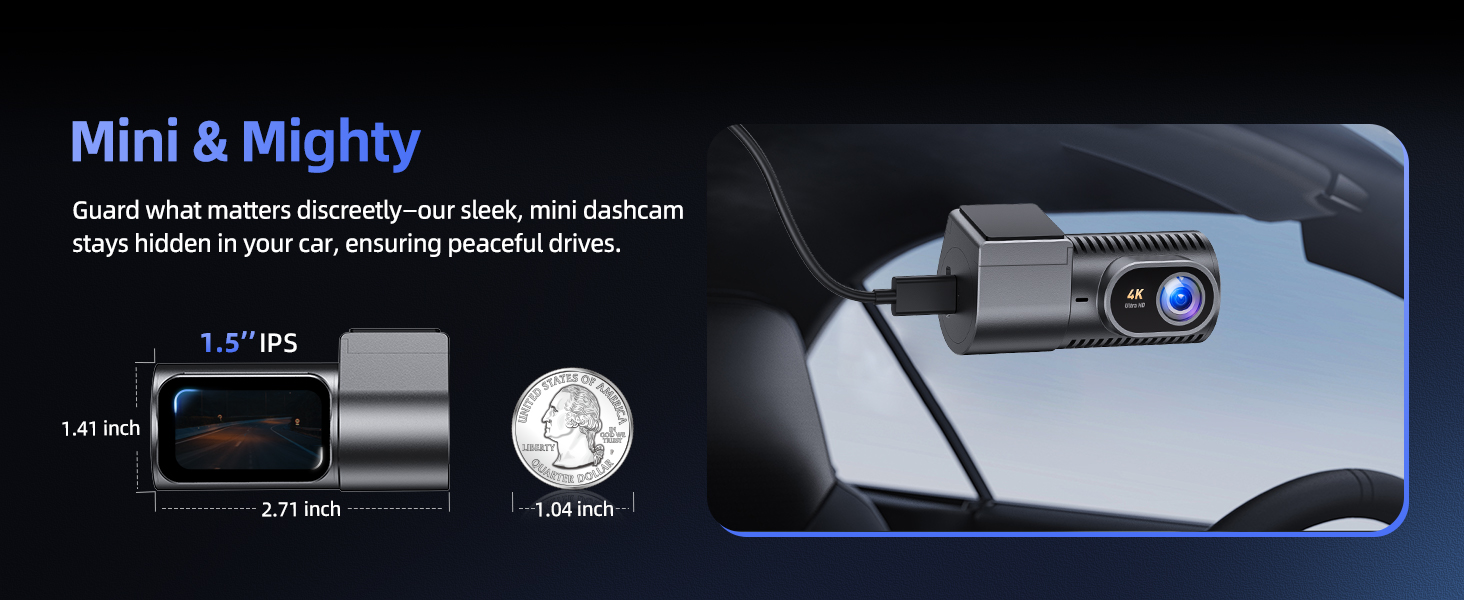
4K Mini Dashcam Front
-
4K dashcam with GPS
-
D100 Front and Rear
-
-
Mini but Powerful!
-
Product description
-
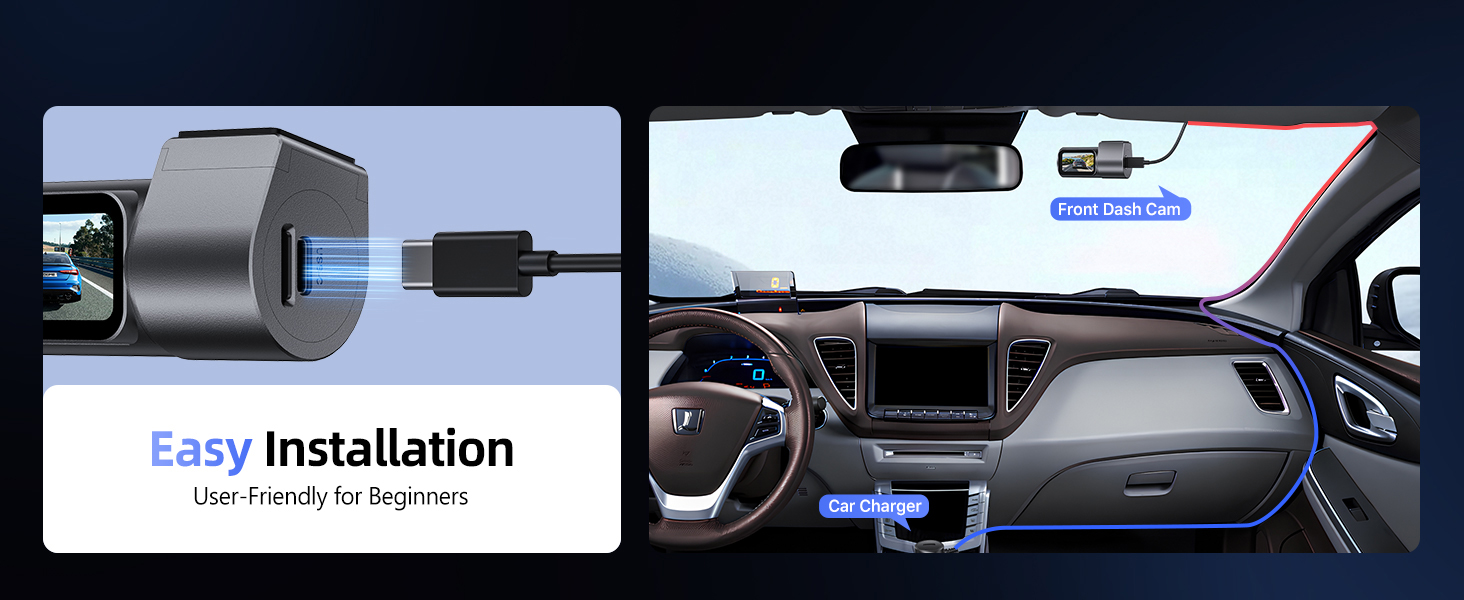
My car doesn’t have a cigarette lighter socket. How can I power the dash cam?
If your car lacks a cigarette lighter socket or the dash cam doesn’t power on with your own Type-C cable, use CIEVIE Type-C cable.
-
Is the CIEVIE dash cam wireless? Can it work without being plugged in?
No. CIEVIE dash cams require constant power via your car’s 12V socket or hardwiring. For Parking Mode (using your car battery), use CIEVIE hardwire kit (sold separately).
-
Why can’t I open or play dashcam videos on my computer?
Dashcam videos are encoded in a special format to ensure stable recording, which may not be supported by some default computer players. We recommend using *PotPlayer* to play them properly.
-
How do I activate Parking Mode, and what does it do?
Requires hardwiring to your fuse box. Once installed via hardwire kit, enable Parking Monitoring in the CIEVIE app. This low-power mode records collisions or motion while your car is parked/off, providing security surveillance.
-
What should I check before connecting to the dashcam app?
1) Enable app permissions. 2) Disable VPNs/firewalls/anti-virus apps. 3) Exit CarPlay/Android Auto (cannot run concurrently with the dashcam APP).


Reviews
There are no reviews yet.