

From the brand
-
Superior 3-Channel Dash Cam!
-
-
-
-
As a trusted leader in automotive innovation, Nanoby has redefined dashcam technology with relentless precision and pioneering vision.
We know the road is unpredictable—a split-second moment, a hidden hazard, a story waiting to be preserved. That’s why Nanoby doesn’t just record; it reveals what others miss.
With Nanoby, every journey becomes a testament to preparedness, turning limitations into opportunities to see—and conquer—more.
Product description
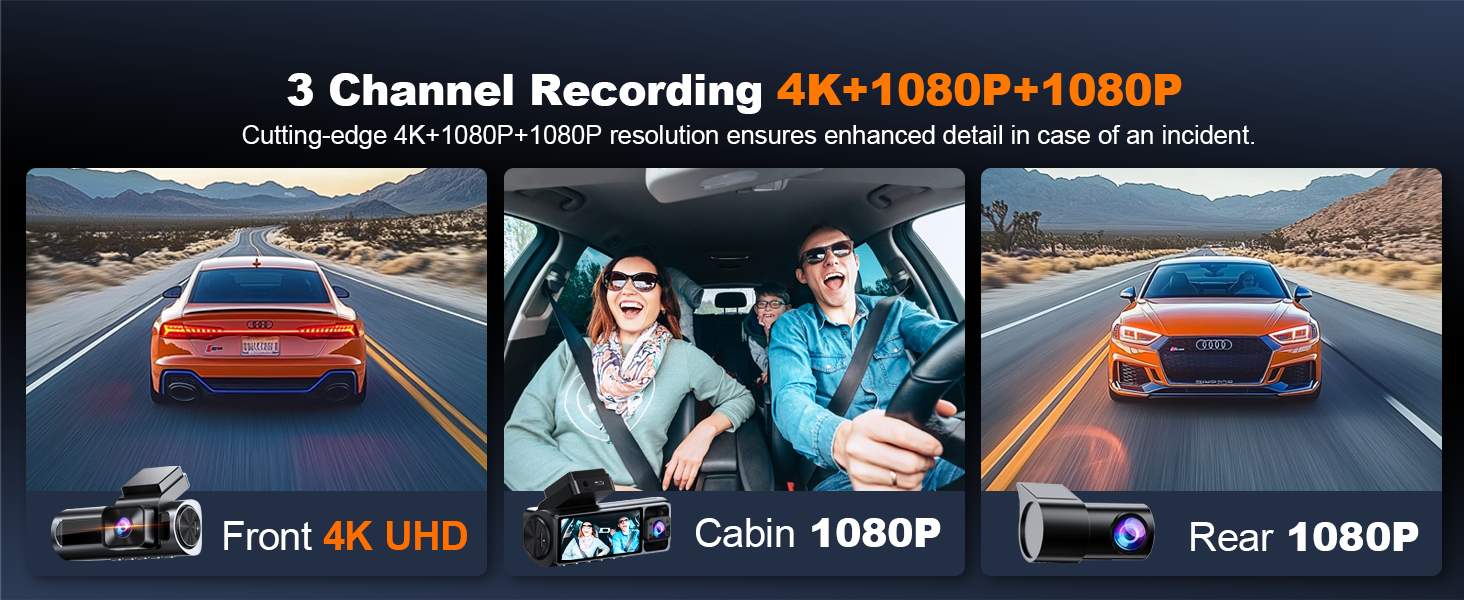
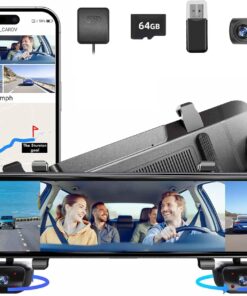
Nanoby 4K 3 Channel Dash Cam Front and Rear Inside
Merchant Video
-
What should I do when using the dash cam for the first time?
Be sure to format the SD card before using the dash cam. Keep the M1 dash cam plugged into the included cigarette lighter charger, as it has no internal battery. If your car lacks a cigarette port, reach out to us for a compatible USB Type-C cable.
-
How can I activate the parking monitoring feature? Do I need a separate hardwire kit?
To enable the 24-hour parking monitoring feature, you’ll need a TYPE C hardwire kit (not included with the camera). The recommended kit can be found on Amazon by searching for B0F7RL33TQ.
-
Why isn’t the rear camera displaying, or why is it showing a black screen?
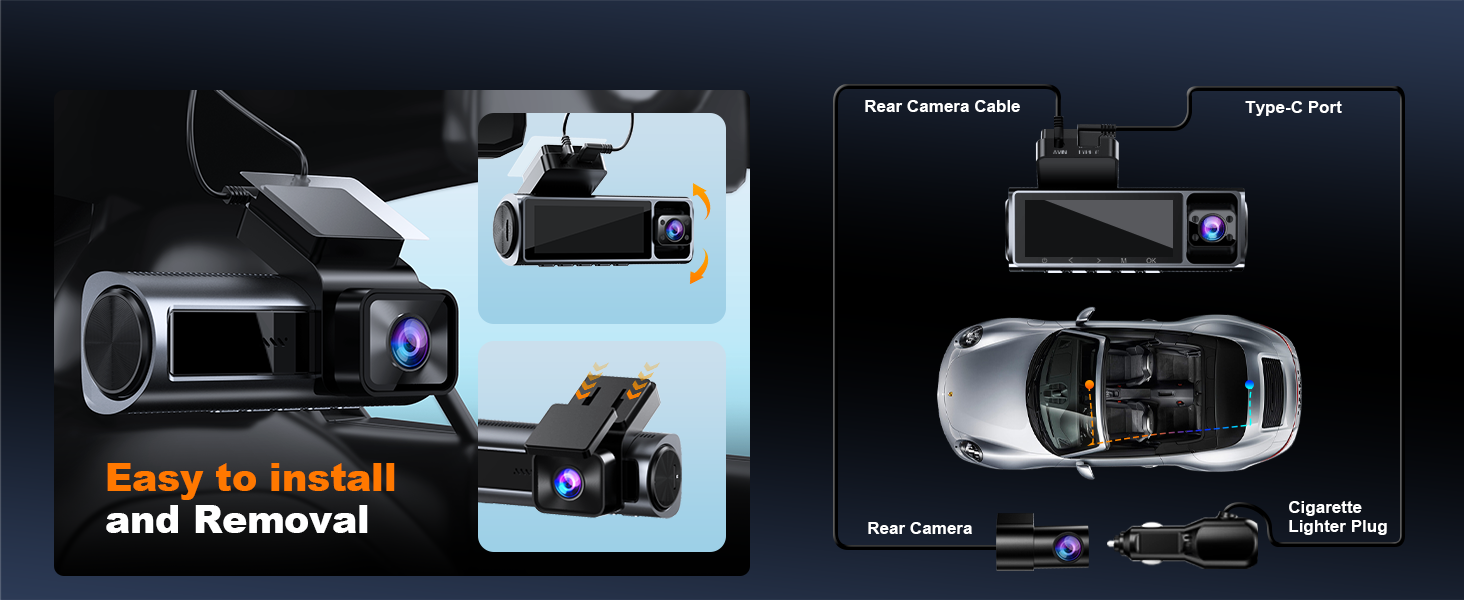
Ensure that the rear camera cable is properly connected and fully inserted into the rear camera input port. It’s common for users to think the cable is fully plugged in, but it’s not. Try pushing it in more firmly.
-
Can I monitor my car remotely?
No, this dash cam doesn’t support cloud or internet streaming and isn’t designed as a cloud or IP camera. However, if you’re within 10 feet, you can view live footage and recordings via the Peztio app while it’s recording.
-
Can I use CarPlay/Android Auto and the dash cam at the same time?
Yes, they work together, but can’t connect to your phone at the same time. We recommend prioritizing CarPlay or Android Auto while driving — the dash cam will continue recording even without an active WiFi connection.


Reviews
There are no reviews yet.